Private archive tools
Create and open archives, without uploading a thing.
Zip, 7z, tar and RAR files on your own computer. Password-protect ZIP and 7z archives. No accounts, no tracking, no waiting for a server.
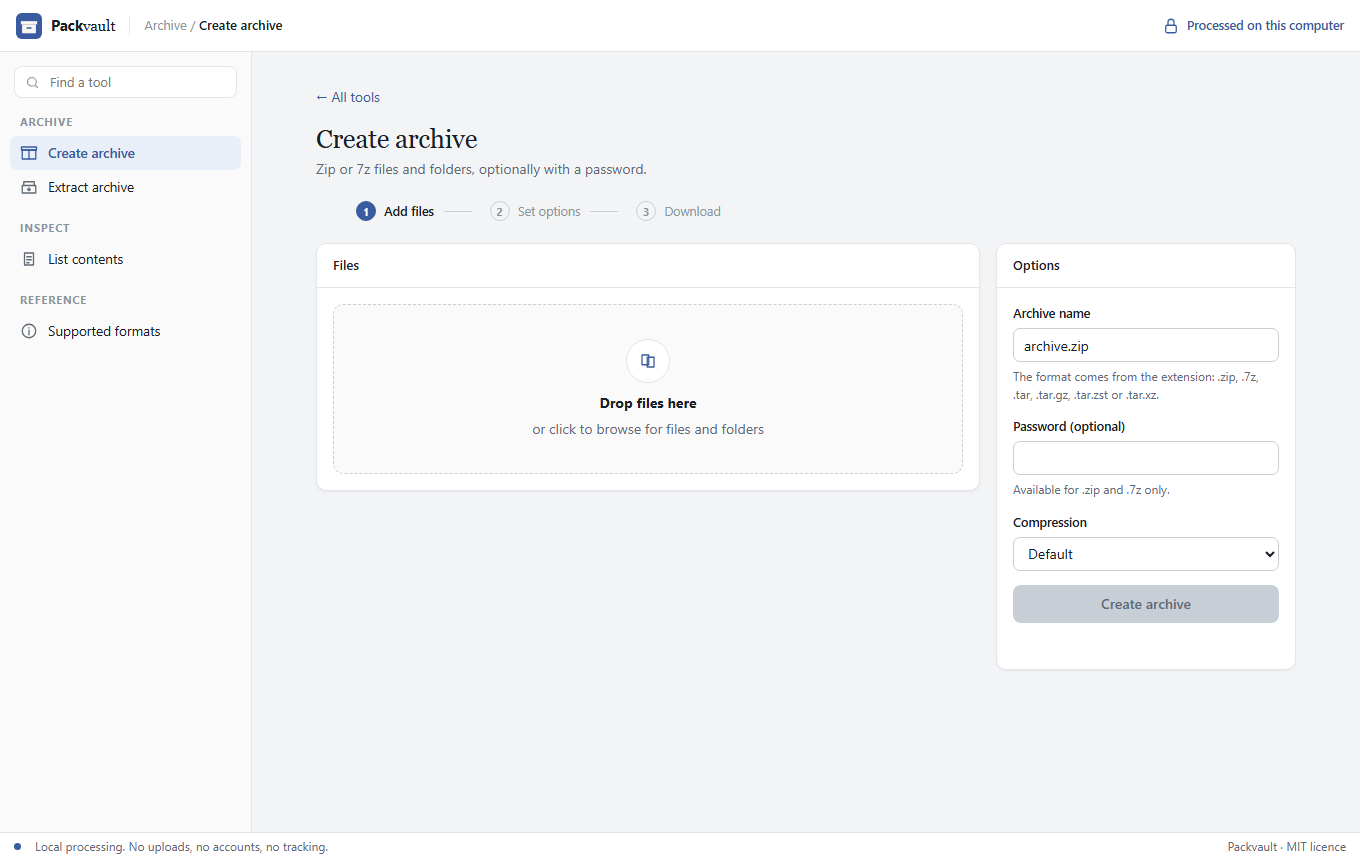
Simple, like the tools you already know
Choose create, extract or list. Add files, set the options, and download the result.
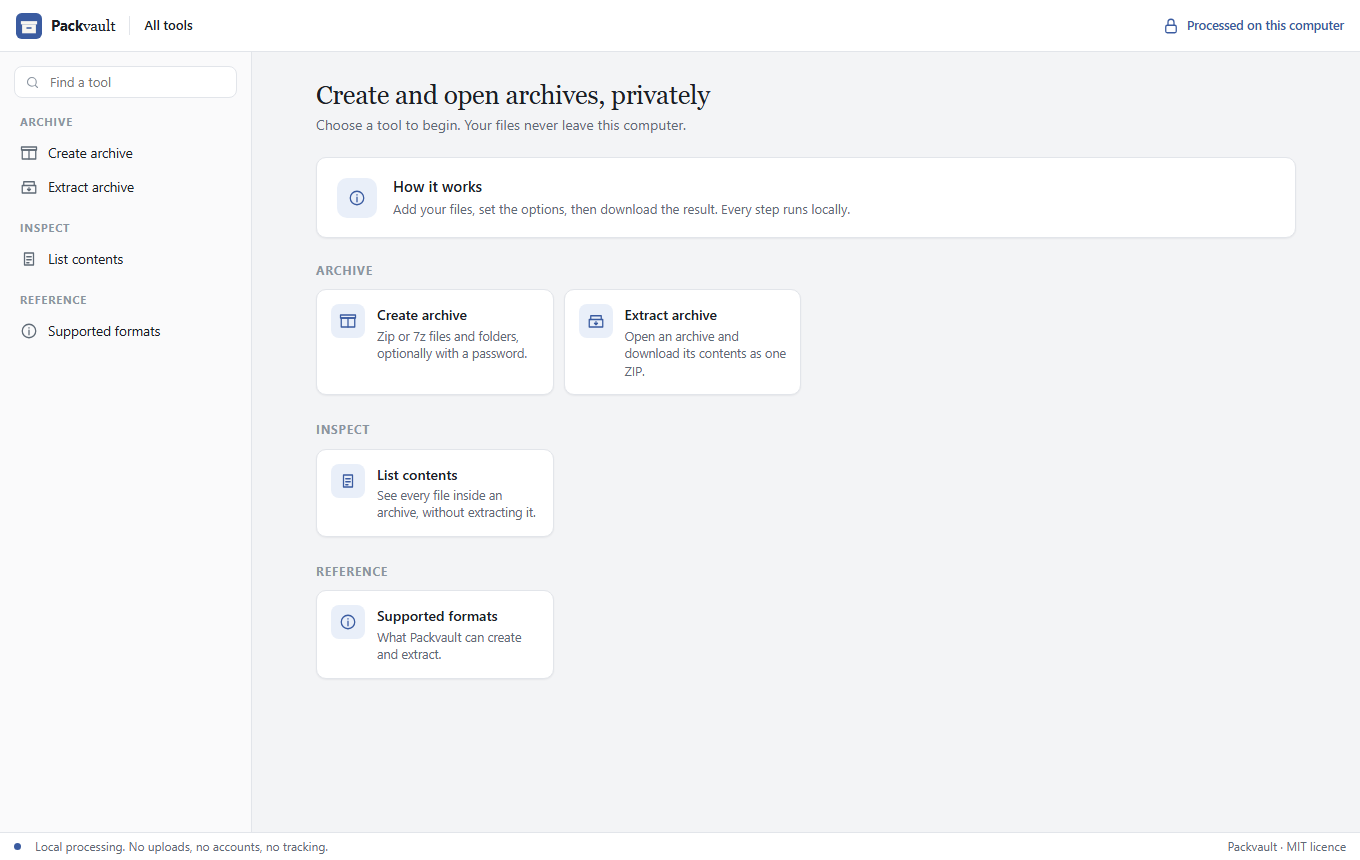
Formats and features
Create and extract the formats you use every day. Open RAR files too.
ZIP
Create and extract, with AES-256 password protection.
7z
Create and extract, with AES-256 password protection and strong compression.
tar, tar.gz, tar.zst, tar.xz
Create and extract the Unix formats, with gzip, zstd or xz compression.
RAR
Extract RAR archives, including password-protected ones. Creating RAR needs RarLab's own tools.
List contents
See every file in an archive before you extract it.
Script it
A full command line with JSON output, plus an AI skill file for automation.
Private by design
Archives often hold the most sensitive files on a computer. Packvault keeps them there.
No uploads
Archives are created and opened on your machine. There is no Packvault server to send them to.
No accounts or tracking
Nothing to sign up for, and no analytics. The program makes no network requests.
Local-only interface
The optional browser UI listens on 127.0.0.1, so other devices on your network cannot reach it.
Open source
The code is public on GitHub. You can read exactly what it does with your files.
Install
Download a binary from the latest release, or build from source with Rust 1.85 or newer.
macOS builds are not code-signed yet. On first run, right-click the file and choose Open.
git clone https://github.com/rahuling/packvault
cd packvault
cargo install --path .

packvault create photos.zip holiday/ -p "a passphrase"
packvault extract backup.tar.zst -o restored/
packvault serve        # opens the UI at http://127.0.0.1:8855
Help make Packvault better
Packvault is free and open source. Whether you write Rust, design interfaces, test on a platform we don't have, or found an archive that breaks, your help is welcome.
Start with CONTRIBUTING.md.